Instagram allows DM automation, but only inside clear boundaries: a 24-hour window that opens when a user messages you directly or replies to your Story; a separate one-time Private Reply allowance for comments; a 7-day extension for human agents only; roughly 200 automated messages per hour per account; and a hard requirement to use Instagram's official Graph API rather than password-based bots. Break these rules and Instagram can restrict or ban your account. Here's exactly where the lines are.
Who Should Read This
This applies to you if you:
- Run a business or creator account replying to Instagram DMs at any real volume
- Use, or are considering, a chatbot or automation tool for Instagram
- Handle comment-to-DM campaigns ("comment SHOP and I'll DM you")
- Manage a shared inbox where multiple agents reply to the same account
- Run Click-to-Instagram ads and need to follow up with people who click
If you only send occasional manual DMs from the Instagram app yourself, none of this applies — these rules govern API-driven and automated messaging specifically, not a human typing in the app.
Why Instagram Restricts This at All
Instagram DMs are where people talk to friends, not where they expect a sales pitch from a business they've never contacted. When automation is used carelessly, it turns a personal inbox into a spam channel — which is exactly what Meta's messaging policies exist to prevent.
The upside: Instagram doesn't ban automation outright. It provides an official Graph API specifically so businesses can automate — as long as it happens inside a few clear boundaries.
The 24-Hour Messaging Window
This is the foundation everything else sits on top of.
The moment a user takes one of these actions, a 24-hour window opens during which you can send them free-form messages:
- They send you a DM
- They reply to or mention you in a Story
- They click a Click-to-Instagram-DM ad
Inside that window, you can message as needed to complete the conversation — answer questions, share product info, confirm an order. Every time the user replies, the window resets for another 24 hours from that moment.
Once 24 hours pass with no reply from the user, the window closes, and the Graph API will reject further free-form messages. This isn't a soft guideline — it's enforced at the API level.
Comments Work Differently: The Private Reply Rule
This is a common point of confusion, so it's worth its own section: a comment does not open the 24-hour window by itself.
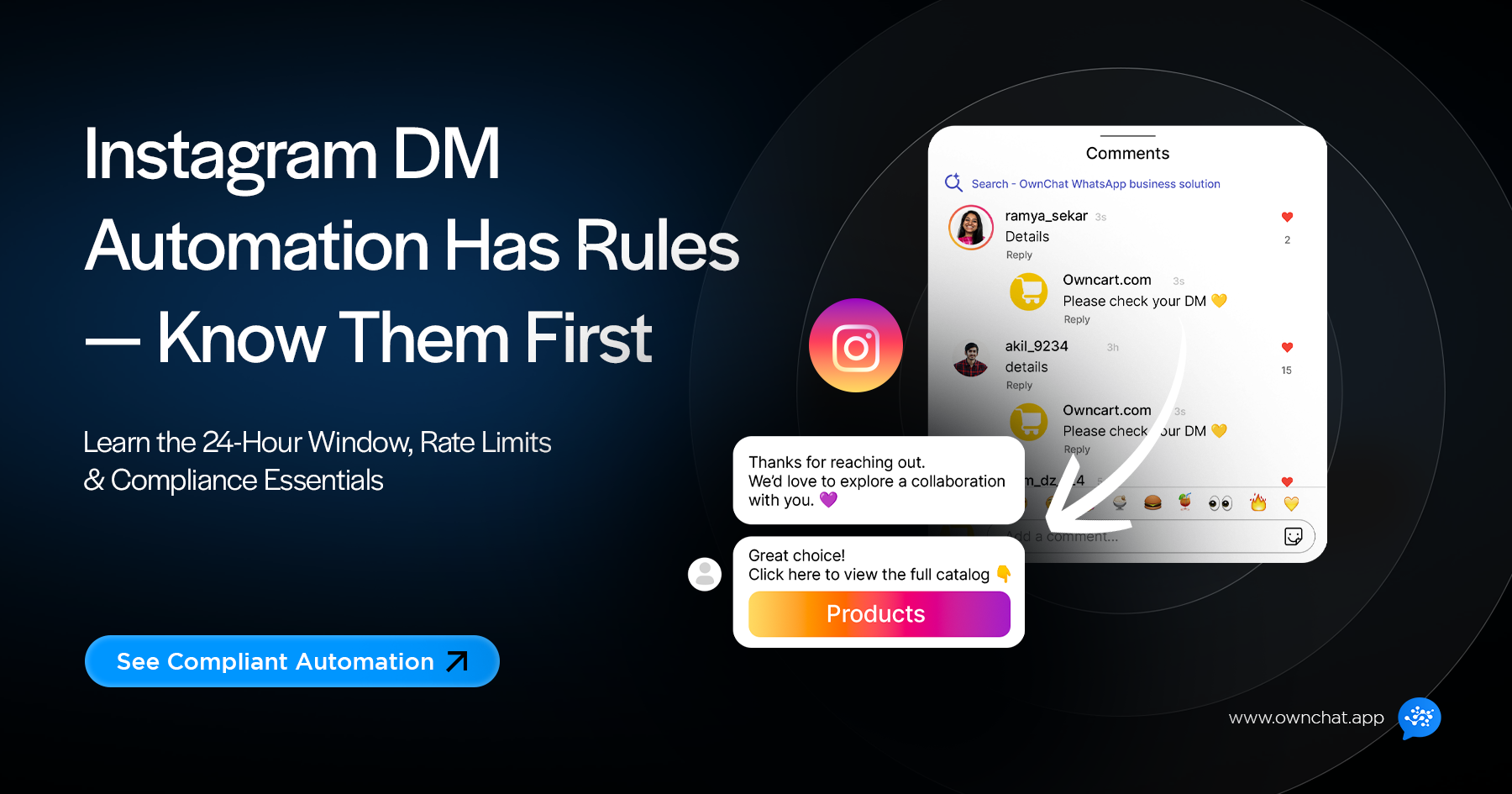
When someone comments on your post or Reel, Instagram allows exactly one Private Reply — a single DM sent in response to that specific comment, within 7 days of when the comment was made. It's not a standing conversation; it's one message.
The real 24-hour window only opens once the user replies to that private message. At that point, it behaves like any other DM conversation — free-form messaging, resets on every reply, same rules as above.
So a comment-to-DM flow actually has two stages:
- Comment → one automated Private Reply (the menu, catalogue, or link you promised)
- User replies to that DM → the 24-hour window opens, and the conversation can continue normally
Trying to send a second follow-up message off the same comment, without the user having replied first, isn't allowed — that's the mistake this rule catches most often.
What Happens After the Window Closes
You're not completely locked out — but your options narrow to a few specific cases.
The Human Agent extension (7 days). A real person on your team — not a bot — can reply to a user for up to 7 days after their last message, using the Human Agent tag. It exists for issues that genuinely take longer than a day to resolve: a refund that needs internal checking, a query that lands over a weekend. It's strictly for continuing an existing support conversation, never for promotional content, and Meta's systems are built to detect bots misusing this tag.
One detail that's easy to miss: this isn't switched on by default. Meta requires the app you're using to separately apply for and be approved for the Human Agent permission through its Developer App dashboard before that tag can be used at all. If your automation tool doesn't have this approval, you'll only ever see the standard 24-hour window in practice — the 7-day extension exists as policy, but it's gated behind an approval step most businesses never think to check.
Message tags for specific non-promotional updates. Outside both windows, Instagram allows narrowly defined categories of messages — things like order and shipping updates, reminders for something the user registered for, or account/security alerts. These must stay strictly relevant to their category; slipping a promotion into an order-update message is a policy violation, and users reporting it is how accounts get flagged.
One-time notifications. Inside the 24-hour window, you can ask permission to send one specific follow-up later — "Want me to notify you when this is back in stock?" If they agree, you get exactly one message on that topic, even weeks out. It works because it's explicit, narrow consent, not a standing subscription.
Rules and tag categories here are Meta's official policy as documented on developers.facebook.com; because Meta updates messaging policy periodically, always confirm current tag support against Meta's own documentation before building around it.
Permission Comes From Action, Not Attention
Instagram automation is opt-in by action, and the distinction matters more than people expect.
Counts as permission: commenting on your content (for a Private Reply), DMing you first, replying to or being mentioned in your Story, clicking a Click-to-DM ad.
Doesn't count, and will get you flagged: someone following you, someone liking a post, scraping usernames and mass-DMing a list.
A follow or a like signals mild interest — it doesn't signal "please message me." Cold outreach, mass DMs to scraped lists, and messaging a competitor's followers are explicitly against Instagram's terms, and enough spam reports against an account can trigger a review or restriction.
The compliant way to generate that permission is to give people a reason to act first — content that invites comments, captions like "Comment MENU for our catalog," Story polls, or ads that route into a DM.
The Rate Limit: Roughly 200 Messages an Hour
Instagram caps automated messaging at approximately 200 messages per hour, per account, through the official API. It's a platform-level safeguard against spam bursts, not a penalty — if you exceed it, extra messages queue and send once the hour resets, rather than failing outright.
This applies to standard DM sends inside the 24-hour window. Private Replies to comments are a separate mechanism (see above) and are governed by their own limits — so a viral post generating thousands of comments doesn't automatically threaten your general messaging rate limit, though it can still put real pressure on your Private Reply volume. A properly built automation tool handles the queueing across both, so a burst of interest doesn't mean lost messages.
Why the Tool You Use Actually Matters
Instagram only permits automation through its official Graph API or apps that have gone through Meta's app review — not through browser extensions or tools that ask for your username and password.
Legitimate tools connect via OAuth: you see Instagram's own login screen, you grant specific permissions, and the tool never sees your actual password. Tools that instead ask you to log in directly, or promise to "bypass" rate limits and DM thousands of people at once, are operating outside Instagram's terms — and it's your account that carries the risk when Instagram's systems catch it, not the tool vendor's.
| Doing all of this manually means tracking window timers, rate limits, and tag rules by hand for every conversation: |
| Manual Tracking | Ownchat | |
| 24-hour window monitoring | ❌ No (1 device only) | ✅ Yes (unlimited agents) |
| Rate limit management | Limited (quick replies only) | ✅ Full no-code chatbot flows |
| Human Agent handoff | ❌ Not allowed | ✅ Supported (with opt-in) |
| Shared inbox visibility | ❌ No | ✅ Yes |
Want this handled automatically instead of tracked by hand? See how Ownchat's Instagram
automation keeps you compliant →
Keeping Automated Replies Relevant, Not Spammy
Being inside the 24-hour window and messaging someone who engaged with you isn't a free pass to send anything. The content still needs to match what they actually did:
- Someone commented "price?" → send pricing, not a generic pitch
- Someone asked about availability → answer that, don't redirect to something else
- Someone replied to a Story about an event → send event details, not an unrelated offer
Sending the same automated message to the same person repeatedly — because they triggered your automation on three different posts — reads as spam even if each individual message is "compliant." Good automation tools tag contacts so they don't get duplicate sends.
A quick illustrative example of how this fits together: a restaurant posts "Comment MENU for today's specials." A customer comments, and gets the one-time automated Private Reply with the menu. They then ask "Do you have anything vegan?" — that reply is what actually opens the 24-hour window — and the question goes to a team member who replies within it. All of it stays inside Instagram's rules: the comment triggered exactly one private message, the customer's reply is what opened real conversation access, and the handoff gave the customer a path to a human instead of a dead end.
Always Leave a Path to a Human
Instagram's policies expect automation to have an exit, not trap someone in a bot loop. At minimum, your setup should recognize requests like "talk to a person," offer that option clearly, and route the conversation to a real team member with context intact — not starting the conversation over.
Automation is well suited to handling the repetitive share of conversations — FAQs, order status, basic qualification — while genuinely complex issues, complaints, and anything requiring judgment should hand off to a person.
How Ownchat Handles This For You
Ownchat is a Meta Business Partner, and Instagram DM automation is a dedicated part of the platform — not a bolt-on feature.
Instagram Messaging Automation — auto-reply to comments, DM automation, lead capture through DMs, and Story mention automation all run through Instagram's official API, so the 24-hour window and rate limits are respected automatically rather than something you have to track by hand.
Workflow Builder lets you design the actual conversation flow — what happens when someone comments, what qualifying questions get asked, when it's time to hand off — without needing a developer to wire it up.
Shared Team Inbox brings Instagram and WhatsApp conversations into one place, so when a bot hands a conversation to a human, the full message history moves with it instead of getting lost or re-asked.
No-Code Chatbot handles the repetitive first-contact volume — FAQs, product questions, basic qualification — so your team's time goes to the conversations that actually need a person.
Because Ownchat operates as an official Meta Business Partner using the approved Graph API, the compliance groundwork — permission-based triggers, window tracking, rate limiting — is built into how the platform works, not something you have to configure and monitor separately.
Frequently Asked Questions
Is Instagram DM automation against the rules? No — Instagram explicitly allows it through the official API and approved partner platforms. What's against the rules is unauthorized tools (password-based bots) or messaging patterns like cold outreach and spam.
Can I automate DMs to everyone who follows me? No. A follow alone isn't permission to DM someone — the user needs to comment, message, reply to a Story, or click an ad first. Automated messages to your full follower list would be treated as spam.
What happens if I accidentally break a rule? Instagram typically issues a warning or policy notice first. If that happens, pause the automation, identify the issue, and fix it — continuing the same behavior after a warning is what leads to temporary or longer restrictions.
Can I message someone after 24 hours if they placed an order? Yes, if it's a genuine, non-promotional update tied to that order — shipping confirmations and delivery updates are exactly what these narrow post-window categories are meant for. It can't be used to slip in marketing content.
How do I know if an automation tool is safe to connect? It should authenticate through Instagram's own OAuth login screen — never ask for your password directly — and be able to clearly explain how it handles the 24-hour window and rate limits. If a vendor can't explain that plainly, that's worth treating as a red flag.
Can Instagram automation handle real customer support, not just marketing? Yes — support is actually one of the strongest use cases, since the customer messages first and the window opens naturally. Just make sure there's always a clear path to a human for anything the bot can't resolve.
Can creators use Instagram DM automation, not just businesses? Yes, as long as the account is set to Creator or Business (Professional) mode and connected to a Facebook Page — personal accounts can't access the Graph API. Creators commonly use it for things like sending link-in-bio content, responding to collab inquiries, or running comment-to-DM giveaways.
Does Instagram charge for DM automation? No — Meta doesn't charge a per-message fee for Instagram's official messaging API, unlike WhatsApp's Business Platform. Any cost you see comes from the automation platform or tool you use to build and manage the workflows, not from Instagram itself.
Why does my Human Agent tag only seem to work within 24 hours, not 7 days? This usually means the platform you're using hasn't been approved by Meta for the Human Agent permission yet — it's a separate app-level approval, not something that's automatically available just because the policy exists. Worth checking directly with your automation provider whether this permission has been granted.
See Compliant Instagram Automation in Action
The businesses that scale Instagram conversations safely are the ones automating within these boundaries from day one, not fixing it after a restriction notice.
See how Ownchat's Instagram automation works →
This guide reflects Instagram/Meta messaging policy as publicly documented as of July 2026. Meta's rules can change — confirm current details at developers.facebook.com before building automation around them.